
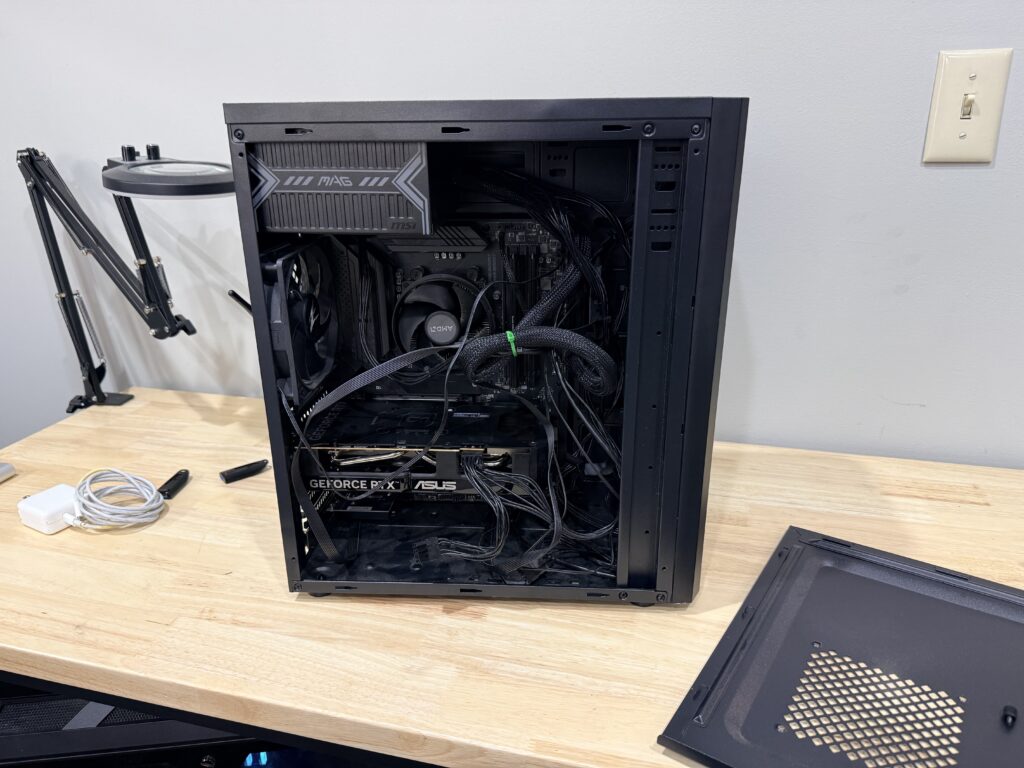
A real repair from our Blue Springs bench, June 2026. Customer details removed.
The problem
A Dell XPS desktop shut off and wouldn’t stay on for more than a few seconds. Then nothing at all.
What we found
No standby lights. The power supply’s built-in self-test LED wouldn’t light, and an external PSU tester read the Power Good signal at zero. Diagnosis: failed power supply, confirmed in 12 minutes on the bench.
The fix, and plan B
We told the customer up front that when a power supply dies, a voltage surge can take other parts with it. Plan A was a replacement power supply and a retest. Plan B was moving the drives into a new system. The replacement power supply’s delivery failed, so with the customer’s approval we moved to plan B: we transferred the drives into a new PC and set it up completely.
The result
Up and running on a new machine, with all of the data from the old drives.
The takeaway
A completely dead desktop is usually the power supply, and the data on the drives is usually fine. Ask for both plan A and plan B before you approve anything. Weighing repair against replacement? Read Is your computer worth repairing?
Computer repair in Blue Springs · Data transfer · Mail-in repair