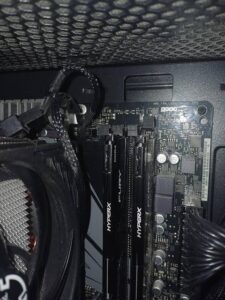
PC Won’t Boot After a RAM Upgrade? Why It Happens and What to Try
New memory, black screen, maybe a DRAM light. It’s almost always compatibility, seating, or a setting, not a broken PC. What to check, in order.

New memory, black screen, maybe a DRAM light. It’s almost always compatibility, seating, or a setting, not a broken PC. What to check, in order.
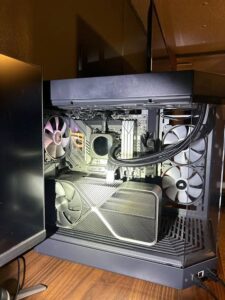
Loud fans, falling frame rates, shutdowns mid-match. Normal gaming PC temperatures, what really causes overheating, and the fixes that are safe to do yourself.
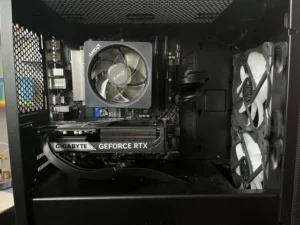
No blue screen, no error, just off. A PC that shuts down under gaming load is almost always protecting itself from a power or heat problem. Here’s how to tell which.
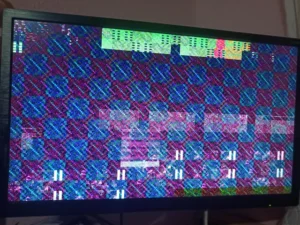
Crashes to desktop, black screens, driver resets, artifacts. The same symptom can be a five-minute driver fix or a failing card. How to tell which one you have.
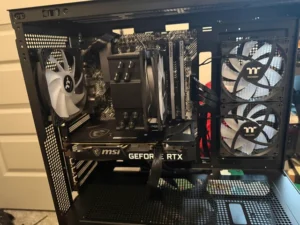
A new build that won’t start is almost always a connection or setting, not a dead part. The first-boot checklist, in the order we work through it.
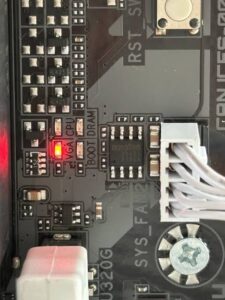
A solid VGA light means the motherboard couldn’t start a graphics output. It’s usually power, seating, or a setting, not a dead card. Here’s how to narrow it down.
Fans spin, lights come on, monitor stays black. Most no-display problems are a cable, a setting, or a loose part. Here’s what to check, in order.
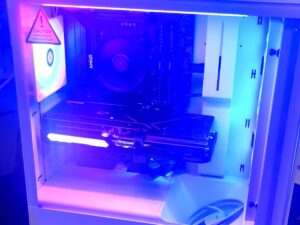
Step-by-step: pull the GPU, brace the cooler, double-box it, and insure it. The exact packing process we give mail-in repair customers.
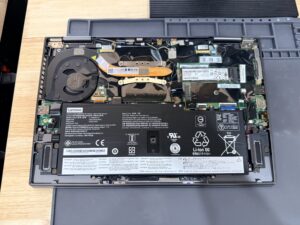
A gaming laptop that overheats and shuts down usually has one of two problems, and often both: the cooling system can’t move heat away from
If your gaming PC powers on, maybe shows the BIOS or Windows logo, then cuts off a few seconds later, the most likely cause is