
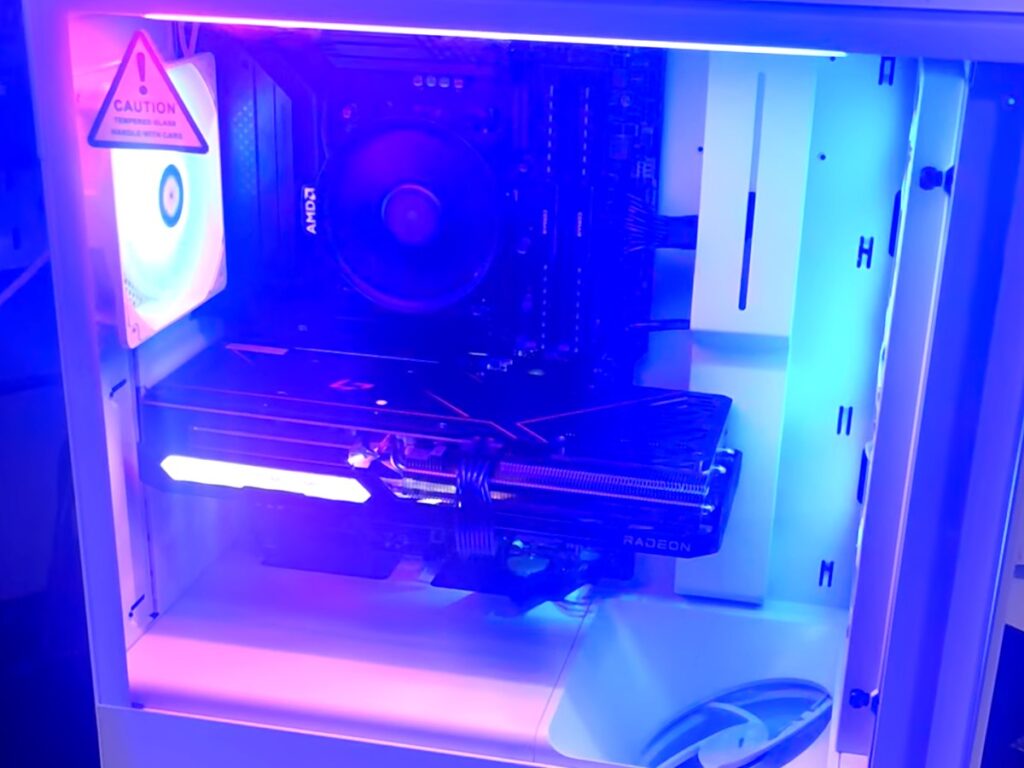
If your gaming PC powers on, maybe shows the BIOS or Windows logo, then cuts off a few seconds later, the most likely cause is the CPU overheating. The motherboard is shutting the system down to protect the processor. It’s rarely a dead part, and it’s often fixable in an afternoon.
On our bench, this exact symptom usually shows up right after someone built a PC, swapped cases, or replaced a CPU cooler.
What the timing tells you
How long the PC stays on before it dies is the best clue you have.
| How long it stays on | Most likely cause |
|---|---|
| Less than 1 second, fans twitch | Short circuit or failing power supply |
| 5–20 seconds, reaches BIOS or logo | CPU overheating: the cooler isn’t contacting the CPU |
| Minutes, then dies under load or in games | Weak power supply, or a cooling problem under load |
| Shuts off and won’t power back on at all | Failed power supply |
The most common causes, in order
- The CPU cooler isn’t making contact. A modern CPU without proper cooling hits its thermal limit in seconds, and the board pulls the plug. Common culprits: the plastic protective film left on the cooler’s base, mounting springs or brackets installed wrong, or almost no thermal paste.
- The AIO pump isn’t running. On a liquid cooler, the pump cable must be plugged into a header that powers it at full speed (often labeled AIO_PUMP or CPU_FAN). On a header that’s off or set to a low curve, the radiator fans spin but no coolant moves.
- A motherboard short after a case swap. An extra brass standoff in the wrong spot can touch the back of the motherboard. That usually causes an instant shutoff rather than a delayed one.
- A failing power supply. If the PC dies the moment the graphics card starts working hard, the power supply may not be holding voltage under load.
- A stuck front-panel power switch. If the case’s power button cable is wired wrong or the button sticks, the PC can behave as if you held the button down to force it off.
What’s safe to check at home
- Enter the BIOS right after power-on and watch the CPU temperature. If it climbs past 90°C within seconds, it’s the cooler. Turn the PC off.
- With the PC unplugged, look at the bottom of your cooler. If there’s a plastic film, or the paste looks barely touched, that’s your answer.
- Confirm the AIO pump cable is plugged into the pump or CPU fan header, not a system fan header.
- After a case swap, count the standoffs against the screw holes in your motherboard.
Stop there. Repeatedly powering on a PC that keeps thermal-shutting down puts real heat stress on the CPU.
A real one from our bench
A customer swapped his gaming PC into a new case, and afterward it shut off 15 seconds after every boot. Moving it back to the old case didn’t help. We pulled the AIO cooler and found the mounting springs installed underneath the cold plate, holding the cooler off the CPU. Remounting it with fresh paste fixed it the same day, for $150 total including diagnosis. Read the full case study.
When to bring it in
Bring it in if CPU temperatures look fine but it still shuts off, if you’re not comfortable removing the cooler, or if it won’t power on at all. Our diagnostic is $60 with a written quote within 24 hours, and our technicians build gaming PCs, so this is everyday work for us.
Not in the Kansas City area? Mail-in gaming PC repair works from anywhere in the US, with insured return shipping.
FAQ
Can overheating damage my CPU permanently? Modern CPUs protect themselves by shutting down, so one or two shutdowns rarely cause damage. Repeated cycles add stress, so stop powering it on once you’ve seen the pattern.
Is it my motherboard? Rarely. A board that reaches the BIOS is usually working. Check cooling and power first.
What does a fix like this cost? The cooler remount in our case study above came to $150 total, diagnosis included. A power supply replacement adds the cost of the part. You get the exact price in writing before any work starts.