
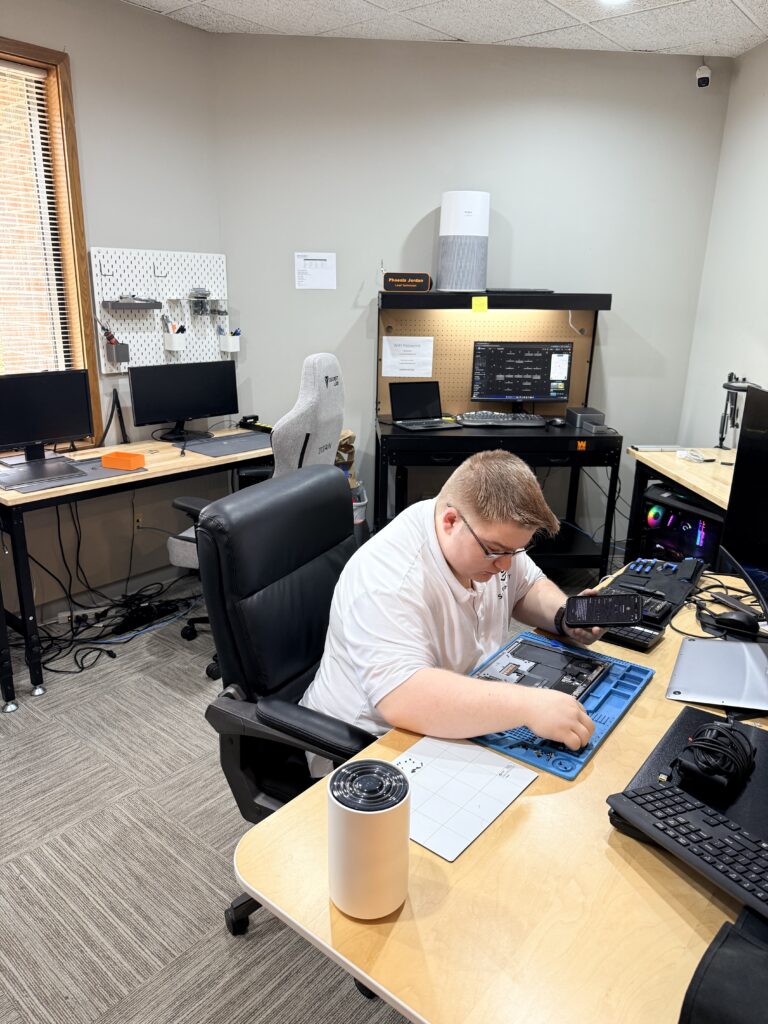
Here’s a question we answer at the counter almost every day, so let’s answer it in writing: is this machine worth fixing, or am I throwing good money after bad?
You might expect a repair shop to always say “fix it.” We don’t, and our whole model depends on not doing that — every diagnostic here ends in a written quote you can walk away from, so talking you into a bad repair would cost us the only thing that matters long-term, which is you trusting the next quote. So here’s the actual framework we use, the same one we’d use on our own machines.
The three questions that decide it
How old is it — really? Not the sticker age; the platform age. A well-built 2019 desktop with a repairable fault is a different animal from a 2013 budget laptop with the same fault. Rough guide from the bench: under five years old, repair is almost always the right call. Five to eight, it depends on the next two questions. Past eight, the repair needs to be cheap and the machine needs a reason to live.
What’s the repair against the replacement? Our rule of thumb: if the fix is under a third of a comparable new machine, repair. Between a third and a half, it comes down to the machine’s health otherwise. Over half, replacement usually wins — unless the machine has something irreplaceable about it, like software your business depends on that won’t run on anything newer. A few weeks ago a customer came in with a prized laptop she’d used for years and had grown attached to. She wanted our honest opinion about whether or not repair was viable economically and we felt it was too old to support it. As much as she would’ve been willing to spend money on her machine, we couldn’t lead her down the wrong path.
What’s it for? A machine for email, browsing, and taxes has a long useful life — a refresh can carry it years. A machine that edits video or runs a business all day earns replacement sooner, because your time in front of it is worth more than the hardware.
The repairs that are almost always worth it
Some fixes punch far above their cost. A failing hard drive replaced with an SSD — from $250 with your files migrated — often makes an older machine faster than it was new. A laptop screen or battery on an otherwise healthy machine. A power supply in a solid desktop. These aren’t life support; they’re renovations.
The ones that usually aren’t
Motherboard-level failure on an old budget machine. Liquid damage that’s had days to corrode. Anything where the quote crosses that halfway line on a computer that was already struggling. When it’s one of these, our written quote says so — and the useful question becomes moving your data to whatever comes next, which is $150, not resuscitation.
The honest shortcut
If you’re still unsure, that’s literally what the $60 diagnostic is for: a written answer — what’s wrong, what fixing it costs, and our straight recommendation either way — within 24 hours. You’ll make a $500 decision with real information instead of a guess, and the $60 is the whole risk.
Outside the Kansas City area? Ship it to our bench with mail-in computer repair: same $60 diagnostic, insured return shipping. Related guide: Is an SSD upgrade worth it?